What if you could build a working app in 30 minutes — with no code at all? That’s what vibe coding tools make possible in 2026. These AI platforms turn plain English into real web apps, APIs, and even mobile apps. Whether you’re an IT student or a marketer who wants to build pages fast, vibe coding tools are the hottest trend in tech right now.

What Are Vibe Coding Tools? Why Every Beginner Should Know
Vibe coding means building apps by telling the AI what you want in plain words. For example, you type “build me a task app with dark mode and login,” and the AI makes the whole thing — front end, back end, and database.
In fact, the term grew so fast that Collins named it Word of the Year in 2025. By 2026, millions use vibe coding tools every day. At the same time, Replit says 75% of its users never write a single line of code.
Here’s why this matters. Normally, you’d spend months learning HTML, CSS, and JavaScript before you can build anything. In contrast, vibe coding tools let you make real apps on day one. As a result, you learn by doing — not by reading docs.
However, vibe coding tools don’t replace learning to code fully. Think of it this way — these tools do the heavy work while you focus on ideas and logic. Because of this, you ship real projects faster and learn dev skills through hands-on building.
How Do Vibe Coding Tools Work? A Simple Breakdown
All vibe coding tools follow a similar flow. In short, knowing these steps helps you get better output from any platform.
Step 1 — Describe your app: First, type a prompt that says what you want. For example, “Make a recipe site where users post dishes, search by ingredient, and save picks.” The more detail you add, the better the result.
Step 2 — AI generates the code: Then, the AI reads your prompt and writes the full app. This covers the UI, the logic, and the data layer. Most vibe coding tools finish this in under 60 seconds.
Step 3 — Preview and iterate: Next, you see a live view of your app. If something looks off, just say what to fix in plain words. For instance, “Make the header green and add a search bar.” The AI updates it right away.
Step 4 — Deploy: Finally, most tools let you publish with one click. Your app gets a live link anyone can visit. Some also support custom domains for a pro look.
Top 5 Vibe Coding Tools You Should Try in 2026
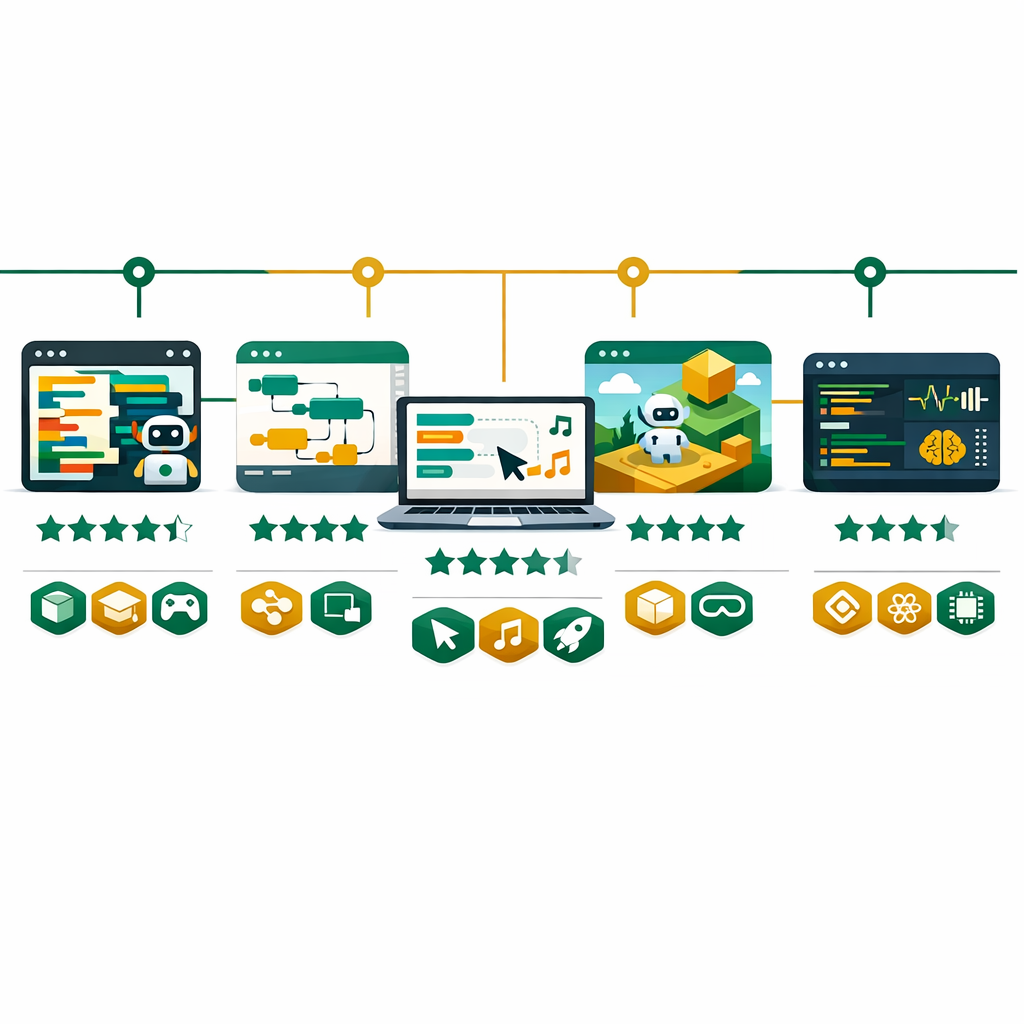
After testing the top platforms, here are the 5 best vibe coding tools for 2026. Each one fits a different need, so pick the one that suits your goals.
1. Lovable — Best for Beautiful Web Apps Without Code
Lovable turns plain words into polished web apps with great UI design. Basically, you describe your app, and it builds both the code and the look. For beginners who care about design, Lovable gives the best visual output among all vibe coding tools.
Under the hood, it uses React and connects to Supabase for login and database features. Additionally, it links to GitHub for version control. A free tier is available, and the Pro plan costs $39/month.
Best for: Non-technical founders, designers, and anyone building MVPs or investor demos.
2. Bolt.new — Best for Rapid Prototyping
Bolt.new by StackBlitz is the fastest vibe coding tool for quick builds. It runs fully in your browser, so you don’t need to install a thing. As a result, you go from idea to working app in seconds.
Just type what you want, and Bolt builds a full app fast. It offers a Claude Agent for solid builds and a v1 Agent for quick tests. Also, you can import work from other vibe coding tools like Lovable.
Best for: Hackathons, quick demos, and “let me show you what I’m thinking” moments.
3. Replit — Best for Learning and Cloud Development
Replit pairs a cloud code editor with an AI agent that builds full apps from prompts. In short, the agent sets up the space, writes code, makes the database, and goes live — all in one flow.
What makes Replit great for beginners is its large community. For example, millions share templates you can copy and tweak. Similarly, it supports 50+ coding languages. Because it’s all in the browser, you can even build from your phone.
Best for: Students learning to code, side projects, and team collaboration.
4. Cursor — Best for Developers Who Want AI Assistance
Cursor is an AI code editor built on VS Code. Unlike the other vibe coding tools, Cursor works best if you already know some code. It reads your full project and suggests changes across many files at once.
Its top feature, Composer, lets you describe big changes in plain words. For instance, “Add login to all API routes and make a sign-in page.” Then, Cursor edits every file at once. Currently, over 7 million devs use it.
Best for: Developers who want to speed up their existing workflow with AI-powered editing.
5. V0 by Vercel — Best for UI Component Generation
V0 by Vercel focuses on making great React UI parts from text prompts. For example, describe a button, form, or dashboard, and V0 gives you clean, ready-to-use code with the shadcn/ui library.
V0 shines at making single parts, not full apps. As a result, it pairs well with other vibe coding tools. For example, many devs build parts in V0, then drop them into Cursor or Lovable. A free tier with good limits is available.
Best for: Frontend developers, React specialists, and anyone who needs polished UI components fast.
How to Pick the Right Vibe Coding Tool for You
With so many picks, choosing the right one can feel hard. However, here’s a quick way to decide.
First, ask yourself: Can you code? If not, start with Lovable, Bolt.new, or Replit. These vibe coding tools do it all for you. On the other hand, if you can code, Cursor or V0 will boost your speed a lot.
Next, think about your goal. For a full web app, try Lovable or Replit. For a fast demo, use Bolt.new. For single UI parts, go with V0. For a big project, Cursor is your best pick.
Keep in mind that vibe coding tools work well together. For instance, a popular flow is to build fast in Lovable, then move to Cursor for the real build. Similarly, many devs use V0 to make parts and pull them into their main project.
Common Vibe Coding Tools Mistakes Beginners Make
Trying to put your whole app in one huge prompt confuses the AI. Instead, start small and add features one at a time. As a result, you get much cleaner output.
When something breaks, beginners redo the whole thing. However, you should just tell the AI what to fix. That way, you keep your good work and only correct the issue.
AI code can have flaws and bugs. Therefore, always check the output before you launch apps that use real user data or private info.
For example, using Cursor when you can’t code, or Lovable for a huge project. Instead, match the vibe coding tool to your skill level and project size.
Vibe coding tools give better results when you know simple things like HTML, databases, and APIs. You don’t need to master them, but basic know-how makes your prompts far better.
Your 7-Day Vibe Coding Tools Action Plan
Reading alone won’t build skills. Therefore, here’s a 7-day plan to go from zero to your first live app.
Day 1–2: First, make free accounts on Lovable and Replit. Then, build a simple page on each using plain prompts. After that, compare the output and save your best one.
Day 3–4: Next, pick one tool and build something bigger — like a todo app or a portfolio site. Also, practice by asking the AI to change colors, add features, and fix bugs through chat.
Day 5–6: Then, try Bolt.new for fast builds. Give it an idea and see how quick it works. After that, open V0.dev and make 3 UI parts like a nav bar, a pricing table, and a contact form.
Day 7: Finally, launch your best app to a live URL and share it. You’ve just shipped your first app using vibe coding tools! From here, learn basic CI/CD pipeline ideas to see how pro teams deploy apps.
How Vibe Coding Tools Boost Your IT Career in 2026
Vibe coding tools aren’t just a fad — they’re changing how the IT world works. In fact, knowing these tools gives you a real edge in many career paths.
For digital marketers, vibe coding tools mean you can build pages, forms, and micro sites with no dev help. This speed matters when you run time-bound email campaigns that need custom pages fast.
For IT students, vibe coding tools help you build portfolio items faster. Instead of months on one app, you can ship 5 in the same time. As a result, employers see real work, not just theory. At the same time, watching AI write code teaches you patterns that make normal coding easier.
For DevOps pros, vibe coding tools show how containers and deployment work behind the scenes. For example, Replit auto-handles hosting — and knowing this flow deepens your serverless skills.
The job market shows this shift clearly. Roles like “AI Product Builder” and “No-Code Developer” now show up on major boards. In short, companies want people who ship fast — and vibe coding tools give you that power.
Tool         | Free Tier | Best For           | Code Required?
-------------|-----------|--------------------|--------------
Lovable      | Yes       | Beautiful web apps | No
Bolt.new     | Yes       | Quick prototypes   | No
Replit       | Yes       | Learning + deploy  | No
Cursor       | Yes       | AI-enhanced coding | Yes
V0 (Vercel)  | Yes       | UI components      | Some
Want to Build Real IT Skills That Employers Value?
Bhanu’s online training programs cover cloud computing, cybersecurity, DevOps, and the digital tools that matter in 2026. Learn the skills that turn ideas into careers.
Official Resources
- Lovable — AI Web App Builder
- Bolt.new — Rapid Prototyping by StackBlitz
- Replit — Cloud Development Platform
- Cursor — AI-Native Code Editor