

Understanding what is a firewall is key to securing any network. If you are new to IT or studying for CCNA or Security+, firewalls will show up in every exam and every job. Yet most beginners only learn the basics and miss the deeper details. This guide covers firewall types, rules, real stats, and best practices so you can protect networks with confidence.
Estimated reading time: 14 minutes
Key Takeaways
- A firewall monitors and controls network traffic — it is your first line of defense against threats.
- Five main types exist — packet filtering, stateful, proxy, NGFW, and cloud firewalls each serve different needs.
- Rules follow a top-down order — the first matching rule wins, so order matters a lot.
- Cybercrime costs are rising fast — according to IBM, the average data breach cost hit $4.88 million in 2024.
Table of Contents
- The Simple Version
- Why Firewalls Matter in 2026
- The Five Main Types
- Rules and How They Work
- Firewall vs IDS vs IPS
- Best Practices for Beginners
- How to Practice Firewall Skills in a Home Lab
- Summary
- FAQ
What Is a Firewall? The Simple Version
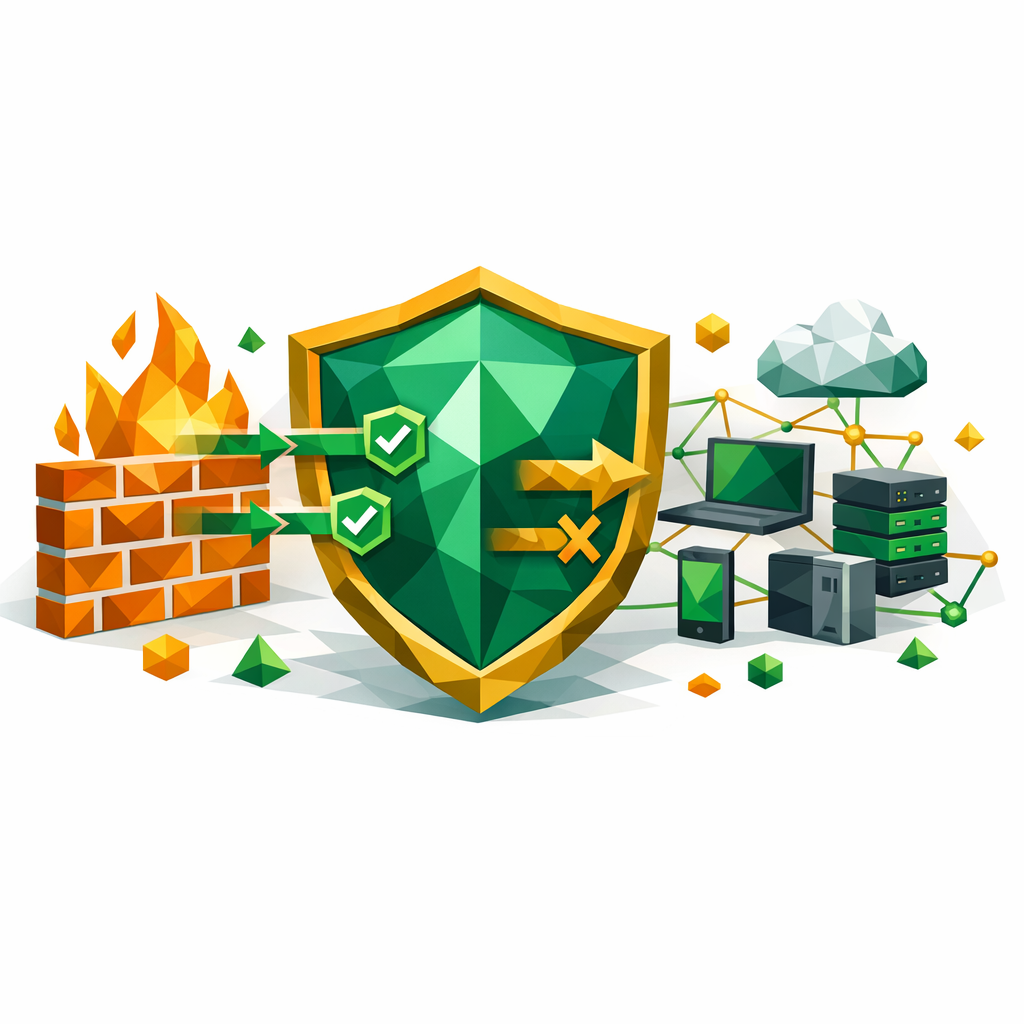
A firewall is a security system that monitors and controls traffic going in and out of a network. It decides what gets through and what gets blocked based on a set of rules. In short, think of it as a security guard at a building entrance. The guard checks IDs and only lets approved people inside.
Firewalls can be hardware devices, software programs, or both. Indeed, most enterprise networks use a mix. For example, a hardware firewall sits between your router and the internet. Also, a software firewall like Windows Defender Firewall runs on each machine. As a result, you get layered protection.
In my experience setting up lab networks, even a basic firewall stops most casual attacks. So, if you are starting in IT, learn this concept first. Have you ever checked your own firewall settings?
Why Do Firewalls Matter in 2026?
Firewalls are more important now than ever before. According to IBM’s Cost of a Data Breach Report, the average cost of a data breach reached $4.88 million in 2024. In fact, organizations without proper network controls paid even more.
Also, according to Gartner, global spending on security and risk management is expected to cross $215 billion by 2026. Indeed, firewalls remain a core part of that budget. Hence, this knowledge gives you a direct career advantage.
Cybercrime is growing at a rapid pace. For instance, ransomware attacks hit a new high in 2025 with over 5,000 reported incidents worldwide. As a result, companies are hiring more network security pros. If you want to break into cybersecurity and truly understand what is a firewall, this is where you start. For more on security careers, check out our guide on Zero Trust security.

What Is a Firewall Type? The Five Main Kinds
Not all firewalls work the same way. In fact, five main types exist and each one fits a different use case. Also, exams like CCNA, Security+, and AZ-104 test these types heavily. So, know them well.
1. Packet Filtering Firewall
First of all, this is the simplest type. It checks each data packet against a set of rules based on IP addresses, ports, and protocols. If the packet matches an allow rule, it passes. If not, it gets dropped.
For example, you can block all traffic from a specific IP range. Also, you can allow only port 443 for HTTPS. Hence, packet filtering is fast but basic. It cannot read the content inside packets. So, it misses many modern threats. Still, many routers use this as the default firewall method.
2. Stateful Inspection Firewall
In contrast, stateful firewalls track the state of active connections. Instead of checking each packet alone, they remember which sessions are open. As a result, only packets that belong to a valid session get through.
For instance, if no one inside your network started a session with an outside server, the firewall blocks that traffic. Indeed, this gives better security than packet filtering. Also, most modern OS firewalls use stateful inspection. So, you likely use one already.
3. Proxy Firewall (Application-Level Gateway)
On the other hand, a proxy firewall acts as a middleman between your network and the internet. All traffic passes through the proxy first. Therefore, it inspects the full content before deciding to allow or block it.
Since it reads the full data, it can catch threats that packet filters miss. For example, it can block a web page that contains malicious scripts. On the other hand, it is slower because of the deep inspection. So, it works best for specific use cases like web filtering. Sound familiar if you have used a corporate web proxy?
4. Next-Generation Firewall (NGFW)
Consequently, NGFWs combine traditional firewall features with extras like intrusion detection, deep packet inspection, and app-level filtering. In fact, according to Gartner, NGFWs are now the standard for enterprise networks.
Also, vendors like Palo Alto, Fortinet, and Cisco offer popular NGFW products. Indeed, NGFW skills are in high demand. For example, a Palo Alto certified engineer can earn 30-40% more than a general network admin. Hence, if you want higher pay in security, learn NGFW tools. For more on cloud networking, see our Azure networking guide.
5. Cloud Firewall (FWaaS)
Furthermore, cloud firewalls protect cloud setups like AWS and Azure. AWS Security Groups and Azure NSGs are examples. They work the same way as traditional firewalls, but they are built into the cloud platform.
If you are studying for AZ-104 or AWS Solutions Architect, you will set up cloud firewalls as part of your exam prep. In fact, cloud firewall misconfigs are one of the top causes of cloud breaches. So, learn the rules carefully. For more on AWS security, check our AWS VPC security guide.
Exam Alert: Security+ and CCNA exams test firewall types heavily. Indeed, know the difference between packet filtering, stateful, proxy, and NGFW. Also, understand when to use each type in a given scenario.
What Is a Firewall Rule and How Does It Work?
A firewall without rules does nothing useful. Rules tell the firewall what to allow, what to block, and what to log. In short, each rule has these parts: source IP, destination IP, port number, protocol (TCP or UDP), and action (allow or deny).
The firewall checks each packet against the rules in order, from top to bottom. Essentially, the first match wins. For example, a rule might say: allow TCP traffic from 192.168.1.0/24 to any destination on port 443. So, all devices on that subnet can browse HTTPS sites.
Here is a simple rule table to make this clear:
| Rule | Source | Destination | Port | Protocol | Action |
|---|---|---|---|---|---|
| 1 | 192.168.1.0/24 | Any | 443 | TCP | Allow |
| 2 | 192.168.1.0/24 | Any | 80 | TCP | Allow |
| 3 | Any | Any | Any | Any | Deny |
Also, always place the most specific rules at the top. Indeed, a common beginner mistake is putting a broad deny rule before specific allow rules. As a result, all traffic gets blocked. For more on how protocols work in networking, see our TCP vs UDP guide.
In my experience, reviewing firewall rules every quarter catches stale entries and reduces risk. Have you audited your firewall rules recently?
What Is a Firewall vs IDS vs IPS?
Firewalls, IDS, and IPS serve different but related roles. A firewall blocks or allows traffic based on rules. An IDS (Intrusion Detection System) only monitors traffic and sends alerts. An IPS (Intrusion Prevention System) monitors and blocks threats in real time.
In fact, many NGFWs now include IDS and IPS features built in. So, the lines between these tools are blurring. Still, for exams and interviews, know each one clearly:
- Firewall — controls access based on rules. Indeed, it is the gatekeeper.
- IDS — detects suspicious activity and alerts admins. Hence, think of it as a camera.
- IPS — detects and blocks threats automatically. As a result, it acts like a camera with a guard.
According to the SANS Institute, using all three together gives the best defense-in-depth strategy. Also, many enterprises layer these tools across their network. So, learn how they work together.
What Is a Firewall Best Practice for Beginners?
Once you know what is a firewall, following best practices makes it much more effective. In fact, most breaches happen because of misconfigs, not because the firewall itself failed. So, keep these tips in mind:
- Default deny — block everything first, then open only what you need. Indeed, this is the safest approach.
- Log everything — turn on logging so you can spot unusual patterns. Also, review logs weekly at minimum.
- Update firmware — vendors patch security holes often. Hence, keep your firewall software up to date.
- Use least privilege — give users and apps only the access they truly need. As a result, you shrink the attack surface.
- Segment your network — split your LAN into zones so a breach in one area stays contained. For example, keep servers and user PCs on separate VLANs.
- Test your rules — use tools like Nmap to scan your own network and verify what is open.
- Review rules quarterly — remove stale rules that nobody needs anymore. Indeed, old rules create hidden risks.
In my experience working with firewall audits, the "default deny" rule alone stops over 80% of unauthorized access attempts. So, start there. What would you do if you found an unknown allow rule in your firewall?
How to Practice Firewall Skills in a Home Lab
The best way to learn firewalls is to build one yourself. Indeed, hands-on practice beats theory every time. Here are the tools you can use for free:
- pfSense — a free, open-source firewall you can run on an old PC or a VM. In fact, many small businesses use pfSense in production.
- VirtualBox or VMware — set up a virtual network with multiple VMs and route traffic through your firewall.
- GNS3 or Packet Tracer — Cisco simulators that let you practice ACLs and firewall rules without real hardware.
- AWS Free Tier — create Security Groups and NACLs in a live cloud setup. Also, this counts as cloud experience on your resume.
For instance, a great starter project is: install pfSense on VirtualBox, set up two network segments, and write rules to allow only web traffic between them. Then, use Wireshark to capture and verify the traffic. As a result, you learn firewall rules, networking, and packet analysis in one project.
Also, if you are preparing for certifications, knowing what is a firewall through hands-on work helps you answer scenario questions much faster. For free study materials, see our free IT certification resources guide.
Summary
Now you know what is a firewall — it monitors and controls network traffic using a set of rules. Five main types exist — packet filtering, stateful, proxy, NGFW, and cloud — and each fits a different use case. Following best practices like default deny, logging, and regular rule reviews keeps your network safe.
What Is a Firewall? FAQ
What is a firewall in simple terms?
A firewall is a security tool that checks network traffic and decides what to allow or block. In short, it works like a security guard for your network.
Do I need a firewall at home?
Yes. Indeed, your home router has a basic firewall built in. Also, your OS has a software firewall. So, make sure both are turned on to block unwanted traffic.
What is the best firewall type for beginners?
For learning, start with a stateful firewall like pfSense. It is free, well-documented, and gives you hands-on experience with real firewall rules.
Can a firewall stop all cyberattacks?
No. A firewall is one layer of defense. In fact, you also need antivirus, IDS/IPS, user training, and regular updates. Hence, use a defense-in-depth approach.
How does firewall rule order work?
Firewall rules are checked top to bottom. The first rule that matches a packet wins. So, always place specific allow rules above broad deny rules.
Editorial Disclosure: This article was researched and drafted with AI assistance, then reviewed, fact-checked, and edited by Bhanu Prakash to ensure accuracy and provide hands-on insights from real-world experience.
About the Author
Bhanu Prakash is a cybersecurity and cloud computing professional with hands-on experience in network security and firewall management. He shares practical guides and career advice at ElevateWithB.
What to Read Next: If you found this helpful, check out our guide on What Is Subnetting? — it is the next essential networking concept you need to master.
Related Articles
- What Is Subnetting? The Complete Guide
- Zero Trust Security: What You Need to Know
- TCP vs UDP: Key Differences Explained


