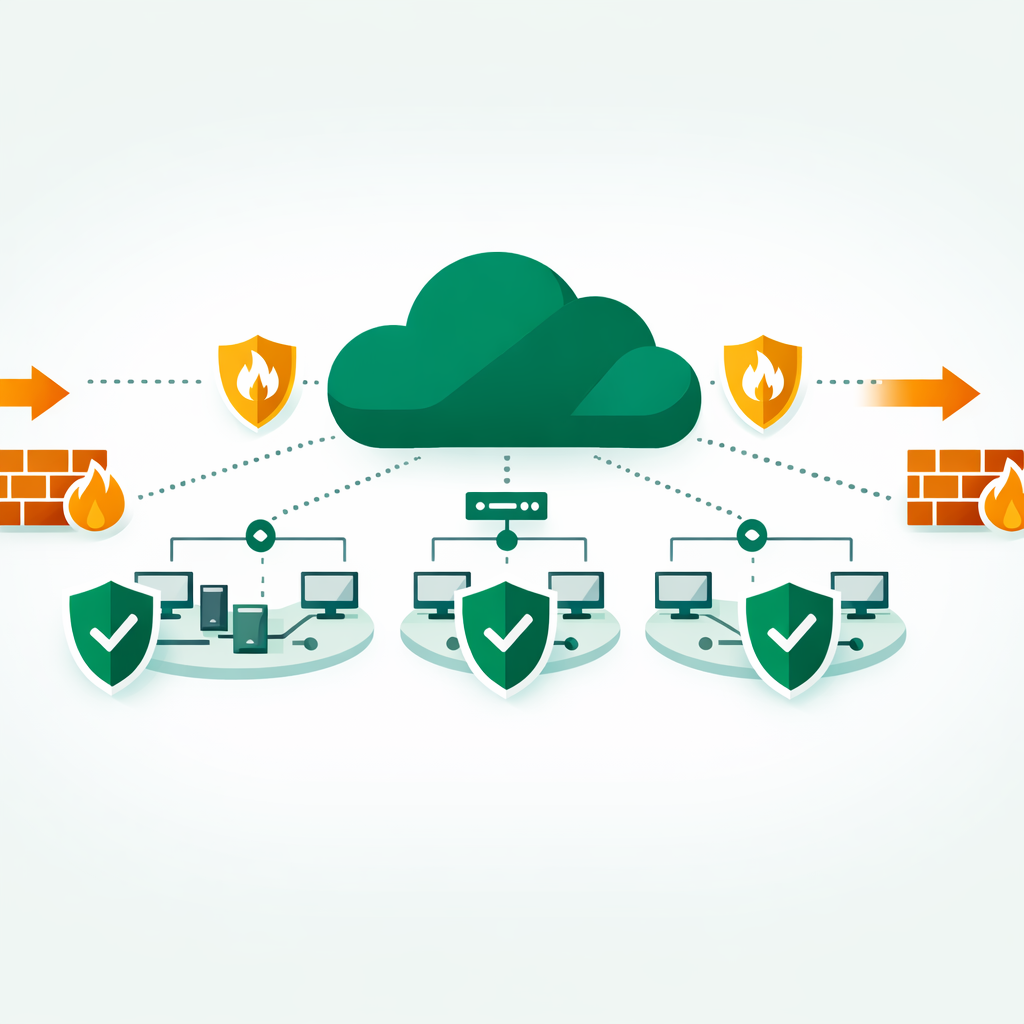
Azure Network Security Groups (NSGs) are the first line of defence for your virtual network traffic. Moreover, they’re tested heavily on the AZ-104 exam. For instance, you just deployed a VM in Azure. As a result, ten minutes later, it’s exposed to the entire internet because you forgot one rule. This guide covers 8 Azure Network Security Groups best practices in detail. In short, these tips help you configure NSGs correctly. Also, they help you avoid common pitfalls and pass the AZ-104 exam.
An Azure Network Security Group (NSG) is a cloud-based firewall. It filters inbound and outbound traffic to Azure resources. It uses rules based on source, destination, port, and protocol. So NSGs are key to safe virtual networks in Azure.
What Are Azure Network Security Groups?
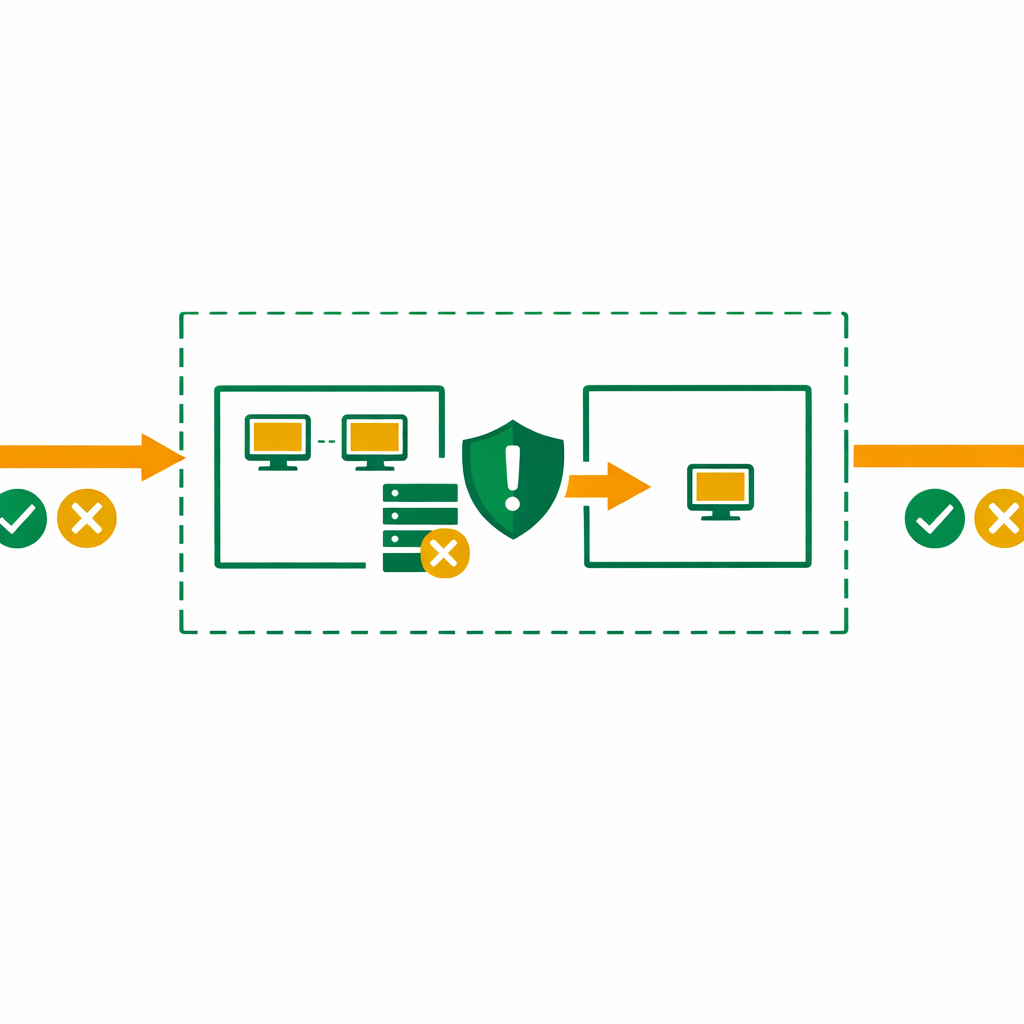
An Azure Network Security Group is a stateful packet filter. In short, it controls inbound and outbound traffic to Azure resources. Think of it as a basic firewall at the subnet or NIC level.
NSGs use a 5-tuple check for traffic:
- Source IP
- Source port
- Destination IP
- Destination port
- Protocol (TCP, UDP, ICMP, or Any)
Each NSG has security rules with priorities from 100 to 4096. As a result, lower numbers mean higher priority. Azure checks rules in order until it finds a match. Then it stops.
Key Concept: NSGs are stateful. If you allow inbound traffic on port 443, the return traffic is on its own allowed without needing a separate outbound rule.
Azure Network Security Groups: Default Rules Explained
Every NSG comes with three default inbound rules and three default outbound rules. However, you cannot delete them. But you can override them with higher-priority custom rules.
Default inbound rules:
- AllowVNetInBound (65000): Allows all traffic within the virtual network
- AllowAzureLoadBalancerInBound (65001): Allows health probes from Azure Load Balancer
- DenyAllInBound (65500): Blocks all other inbound traffic
Default outbound rules:
- AllowVNetOutBound (65000): Allows traffic to the virtual network
- AllowInternetOutBound (65001): Allows outbound internet traffic
- DenyAllOutBound (65500): Blocks all other outbound traffic
Exam Alert: The AZ-104 exam tests your knowledge of default rules often. For example, DenyAllInBound has priority 65500. Therefore, any custom rule with a lower number will override it.
Best Practice 1: Apply Azure Network Security Groups to Subnets
You can link an Azure Network Security Group to a subnet, a NIC, or both. However, for most cases, apply NSGs at the subnet level. It is the better choice.
Why subnet-level NSGs win:
- First, easier to manage — one NSG covers all resources in that subnet
- Second, this cuts admin overhead
- Third, consistent security across the subnet
- New VMs on its own inherit the subnet’s NSG rules
Reserve NIC-level NSGs for cases where one VM needs stricter rules than the rest of the subnet.
Key Concept: When both subnet and NIC NSGs exist, Azure checks subnet rules first for inbound traffic. In contrast, it checks NIC rules first for outbound traffic. As a result, both must allow the traffic for it to flow.
Best Practice 2: Use Service Tags Instead of IP Addresses
Hard-coding IP addresses in your NSG rules is a bad idea. In fact, Azure service IPs change often. As a result, tracking them by hand leads to errors.
Fortunately, service tags solve this problem. They are groups of IP prefixes that Azure manages. So when Microsoft updates the IPs, your rules stay current.
Common service tags for Azure Network Security Groups:
- VirtualNetwork: All VNet address spaces and peered networks
- AzureLoadBalancer: Azure’s health probe IP (168.63.129.16)
- Internet: All public IPs outside your VNet
- AzureCloud: All Azure data center public IPs
- Storage: Azure Storage endpoints
- Sql: Azure SQL endpoints
Good Practice
# Allow HTTPS from Azure Front Door using service tag
Source: AzureFrontDoor.Backend
Destination: VirtualNetwork
Port: 443
Action: Allow
Best Practice 3: Group VMs with Application Security Groups (ASGs)
Similarly, Application Security Groups let you group VMs by workload. As a result, this makes NSG rules cleaner and easier to scale.
Then, Imagine you have 20 web servers. For example, without ASGs, you’d need to list all 20 IPs in your rule. With ASGs, you create a “WebServers” group, assign each VM to it, and reference the group in your rule.
Benefits of ASGs:
- Zero-touch scaling — new VMs get rules when added to an ASG
- Self-documenting rules — “WebServers to DatabaseServers” is clearer than IP ranges
- No rule changes needed when IPs change
Best Practice 4: Follow Deny-by-Default, Permit-by-Exception
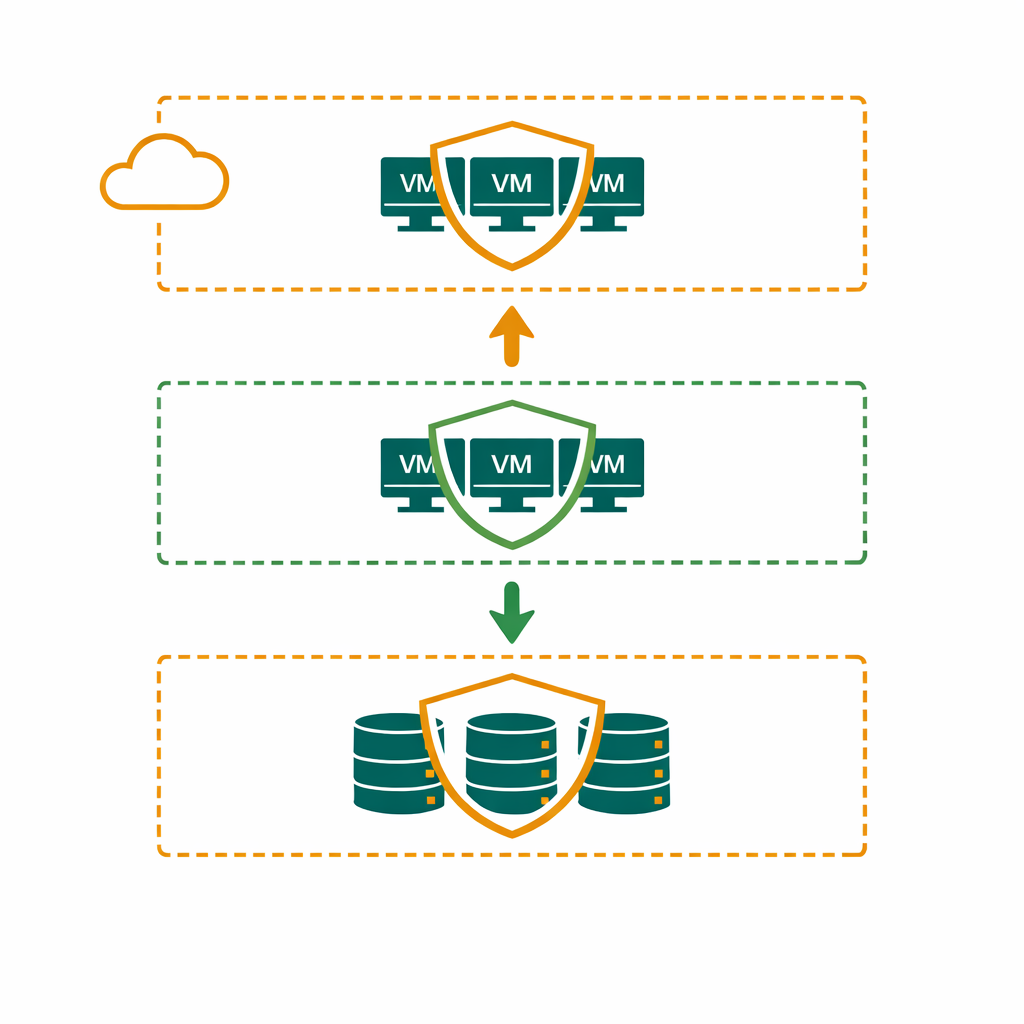
In fact, the DenyAllInBound default rule already does this. Therefore, your job is to not weaken it.
First, start with no traffic allowed. Then add specific allow rules for needed traffic only. As a result, this cuts your attack surface.
What this looks like in practice:
- Allow HTTPS (443) from the internet to your web tier
- Allow port 1433 from web tier to SQL tier only
- Block everything else
Resist the temptation to add broad “Allow Any” rules just to get things working. Troubleshoot the specific port you need instead.
Best Practice 5: Plan Your Rule Priority Ranges
NSG rules run in priority order from 100 to 4096. Therefore, plan your priority ranges early. This prevents conflicts as you add more rules.
best priority structure:
- 100–199: Emergency block rules (e.g., block a malicious IP immediately)
- 200–999: Allow rules for application traffic
- 1000–1999: Allow rules for management traffic (RDP, SSH, monitoring)
- 2000–2999: Deny rules for specific blocked traffic
- 3000+: Reserved for future expansion
Also, leave gaps between rules. For example, if rule 200 allows web traffic, start the next at 210, not 201. This gives you room to add rules later.
Best Practice 6: Enable Azure Network Security Groups Flow Logs
You can’t secure what you can’t see. Specifically, Azure Network Security Groups flow logs capture metadata about every connection passing through your network security groups.
Flow logs record:
- Source and destination IPs
- Ports and protocols
- Whether traffic was allowed or denied
- Byte and packet counts
Also, Send these logs to Azure Monitor Log Analytics and enable Traffic Analytics. You’ll get visual insights into traffic patterns, identify anomalies, and spot blocked connections that shouldn’t be blocked.
From my training experience, many AZ-104 candidates skip flow logs during hands-on practice. Don’t make that mistake — the exam expects you to know how to configure and interpret them.
Best Practice 7: Audit and Clean Up Stale Rules
So, Azure Network Security Groups rules accumulate over time. That “temporary” rule you added six months ago? It’s still there, perhaps exposing resources.
Build a review habit:
- First, audit NSG rules quarterly
- Next, remove rules for removed apps
- Then, check that broad allow rules are still needed
- Finally, check that IP ranges match your current setup
Furthermore, use Azure Policy to enforce NSG standards. You can create policies that require deny rules, block broad allow rules, or mandate flow logs.
Best Practice 8: Use NSGs for N-Tier Segmentation
For multi-tier apps (web, business, data), create separate subnets with their own NSGs. In other words, each tier gets its own security boundary. Also, each tier should only accept traffic from the tier above it.
Example 3-tier architecture:
- Web subnet NSG: Allow 443 from Internet, deny all else inbound
- Business subnet NSG: Allow traffic only from Web subnet on specific ports
- Data subnet NSG: Allow traffic only from Business subnet on port 1433
Clearly, This prevents lateral movement. If an attacker compromises a web server, they can’t reach the database directly.
Common Azure Network Security Groups Mistakes
Using 0.0.0.0/0 as SourceThis allows traffic from all of the internet. Be specific with IP ranges or tags.
Ignoring Outbound RulesDefault outbound allows internet access. Restrict this for sensitive workloads to stop data leaks.
Duplicating NSGs UnnecessarilyOne NSG can cover multiple subnets. Don’t create separate NSGs with identical rules — it’s harder to maintain.
Forgetting Azure Load Balancer Health ProbesFor example, if you block the AzureLoadBalancer tag, health probes fail. As a result, your backend goes unhealthy.
Not Testing After ChangesAlways verify connectivity after modifying NSG rules. Use Azure Network Watcher’s IP Flow Verify to test.
Azure Network Security Groups vs Azure Firewall: When to Use?
Azure Network Security Groups are free and work at the subnet/NIC level. They’re ideal for basic traffic filtering within a VNet.
On the other hand, Azure Firewall is a managed, paid service. It has features like app-level filtering and threat detection. Use it for control across multiple VNets or deep packet inspection.
In most AZ-104 scenarios: NSGs handle intra-VNet segmentation, while Azure Firewall (if present) handles traffic leaving the VNet.
AZ-104 Exam Tips for Azure Network Security Groups
Virtual networking makes up 30–35% of the AZ-104 exam. Indeed, Azure Network Security Groups questions appear frequently. Here’s what to focus on:
- Know the default rules and their priorities (65000, 65001, 65500)
- Understand rule processing order for subnet vs NIC associations
- Be able to troubleshoot connectivity issues using effective security rules view
- Know when to use service tags vs ASGs vs explicit IPs
- Understand the difference between NSGs and Azure Firewall
Above all, practice in the Azure portal. For example, create a VNet, add subnets, link NSGs, and test VM connectivity. Ultimately, hands-on practice makes these concepts stick.
Frequently Asked Questions
What is an Azure Network Security Group (NSG)?
In essence, an Azure NSG is a virtual firewall. It filters traffic to and from Azure resources. Each rule specifies source, destination, port, and protocol.
What is the difference between NSG and Azure Firewall?
NSGs provide basic layer-3 and layer-4 filtering at the subnet or NIC level. However, Azure Firewall is a managed service. It offers FQDN filtering, threat detection, and central logging.
Are NSG questions on the AZ-104 exam?
Yes, NSGs are a key topic on the AZ-104 exam under the “Configure and manage virtual networking” objective. You should understand rule priority, default rules, NSG associations, and how to troubleshoot connectivity issues.
How do NSG rule priorities work in Azure?
NSG rules are checked in order. For instance, lower numbers run first (100 before 200). Once a match is found, checking stops. In addition, default rules (65000+) serve as fallback allow or deny rules.
Can I attach an NSG to both a subnet and a NIC?
Yes, you can attach NSGs at both levels at once. However, traffic must pass both checks. Specifically, the subnet NSG is checked first for inbound traffic. Then the NIC NSG is checked first for outbound traffic.
Want to Learn More About Azure?
Explore our Azure articles on NSGs, VNets, RBAC, and more. Practical guides by Bhanu Prakash for IT pros.
Official Resources
- Azure Network Security Groups Overview — Microsoft Learn
- How NSGs Filter Traffic — Microsoft Learn
- Azure Network Security Best Practices — Microsoft Learn
- AZ-104 Study Guide — Microsoft Learn