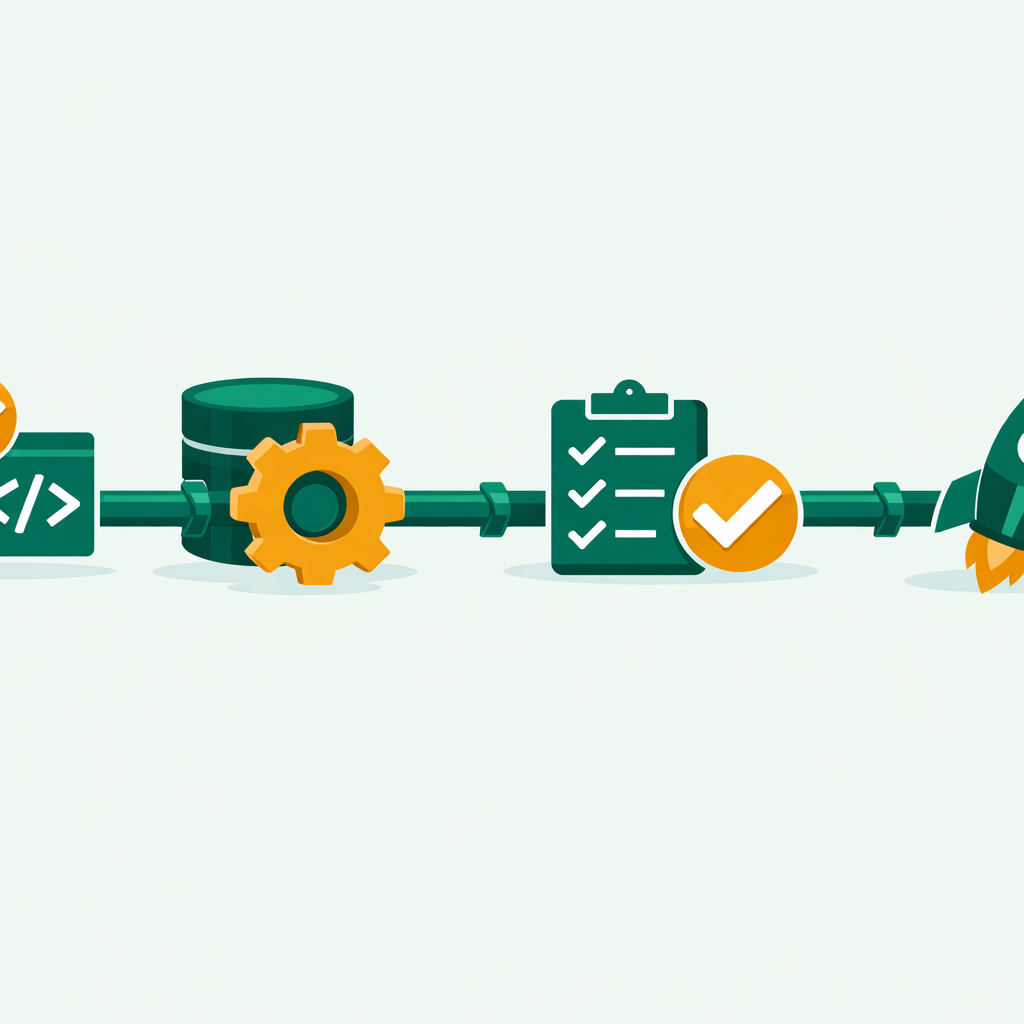
In short, a CI/CD pipeline automates how your code moves from dev to production. It covers Continuous Integration and CD. As a result, teams ship reliable software faster and with fewer bugs.
What Is a CI/CD Pipeline?
Simply put, a CI/CD pipeline is a workflow that takes your code from commit to live. Namely, CI stands for Continuous Integration. Moreover, it builds and tests every code change on its own. Next, CD stands for CD or Continuous Deploy. Basically, it releases tested code to staging or live.
In other words, think of it like an assembly line in a factory. For example, raw materials (your code) enter one end. Then, they pass through quality checks. Finally, they come out as a deployed app. Thus, As a result, every step is auto, repeatable, and fast.
Without a CI/CD pipeline, teams rely on manual steps. So, bugs slip through. Also, broken setups become common. Moreover, releases become something everyone dreads.
Key Concept: Importantly, CI catches bugs within minutes of a code commit. Similarly, CD ensures that tested code reaches users with no manual help. Together, they form the backbone of modern DevOps methods.
Why Does a CI/CD Pipeline Matter for DevOps?
Above all, speed and trust matter most. These are the two biggest reasons every DevOps team builds a CI/CD pipeline. Indeed, the 2024 State of DevOps Report by Puppet shows a clear gap. Namely, elite teams deploy 973 times more often. Also, they recover from incidents 6,570 times faster than low performers. The difference? Simply put, auto pipelines.
Also, here is what a well-built pipeline gives you:
1
First, faster feedback loops.
For instance, developers know within minutes if their code broke something. Usually, no more waiting days for a QA team to test changes manually.
2
Second, consistent environments.
The same build runs in development, staging, and production. So, the “it works on my machine” excuse goes away.
3
Third, reduced risk.
Naturally, small and frequent releases are easier to debug. Plus, if something breaks, you roll back one small change instead of hundreds.
4
Finally, team confidence.
Therefore, when deploys are auto tested, releasing on a Friday afternoon stops being scary.
How a CI/CD Pipeline Works — Step by Step
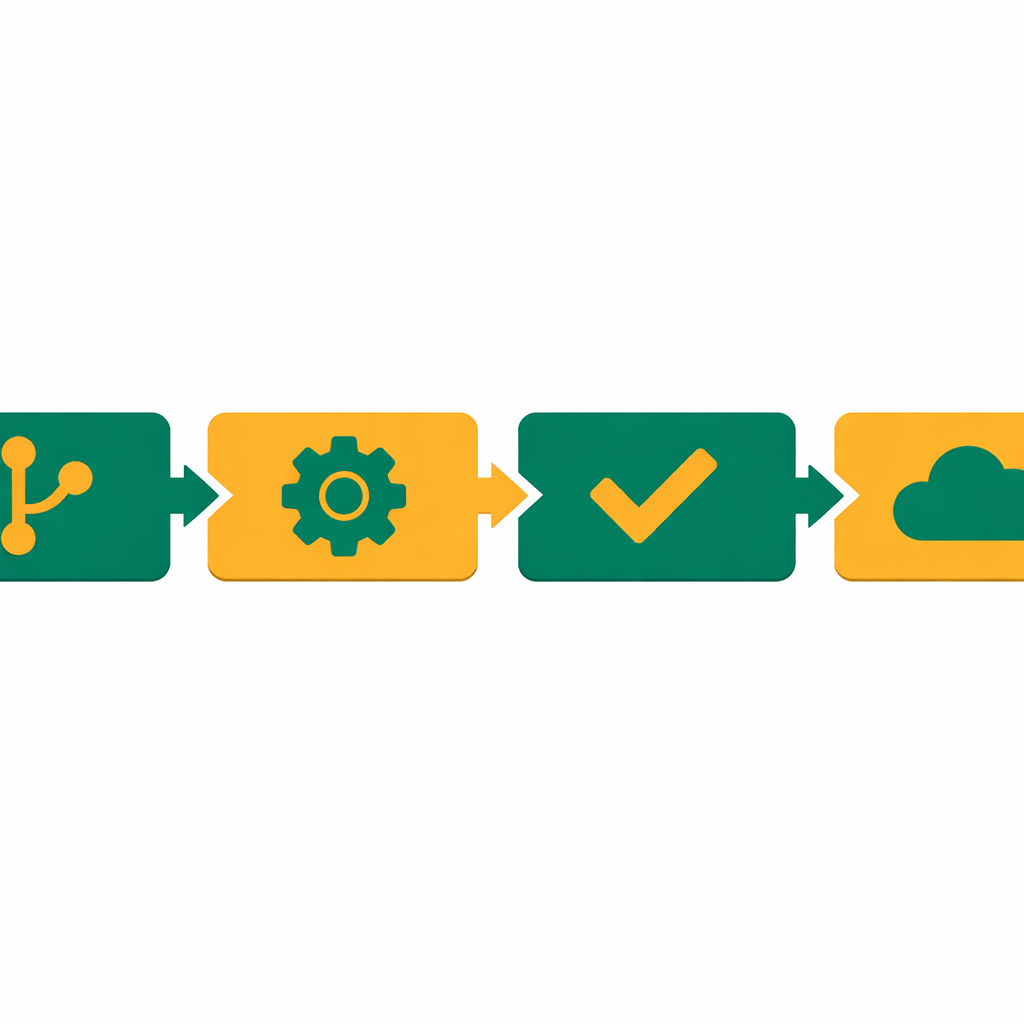
In fact, every CI/CD pipeline follows a four-stage pattern. The details vary by tool and team, but the core flow stays the same.
1
Stage 1 — Source.
First, a dev pushes code to a shared repo like GitHub or GitLab. Then, this push triggers the pipeline on its own. Also, most teams use branch protection rules. So, code must pass the pipeline before it merges into the main branch.
2
Stage 2 — Build.
Next, the pipeline compiles the code. It also resolves packages and builds the app. For container apps, this means building a Docker image. Moreover, the build stage catches syntax errors and missing packages.
3
Stage 3 — Test.
Then, auto tests run against the built app. Namely, this includes unit tests and end-to-end tests. Hence, if any test fails, the pipeline stops and notifies the team right away.
4
Stage 4 — Deploy.
Then, tested code moves to a staging first. After final checks, it reaches live. Basically, teams practicing full Continuous Deploy skip manual sign-off. Instead, they push directly to production after all auto checks pass.
GitHub Actions — Simple CI/CD Pipeline Example
name: CI/CD Pipeline
on:
  push:
    branches: [main]

jobs:
  build-and-test:
    runs-on: ubuntu-latest
    steps:
      - uses: actions/checkout@v4
      - name: Install packages
        run: npm install
      - name: Run unit tests
        run: npm test
      - name: Build app
        run: npm run build

  deploy:
    needs: build-and-test
    runs-on: ubuntu-latest
    steps:
      - name: Deploy to staging
        run: echo "Deploying to staging..."
      - name: Run smoke tests
        run: echo "Running smoke tests..."
      - name: Deploy to production
        run: echo "Deploying to production..."
Popular CI/CD Pipeline Tools in 2026
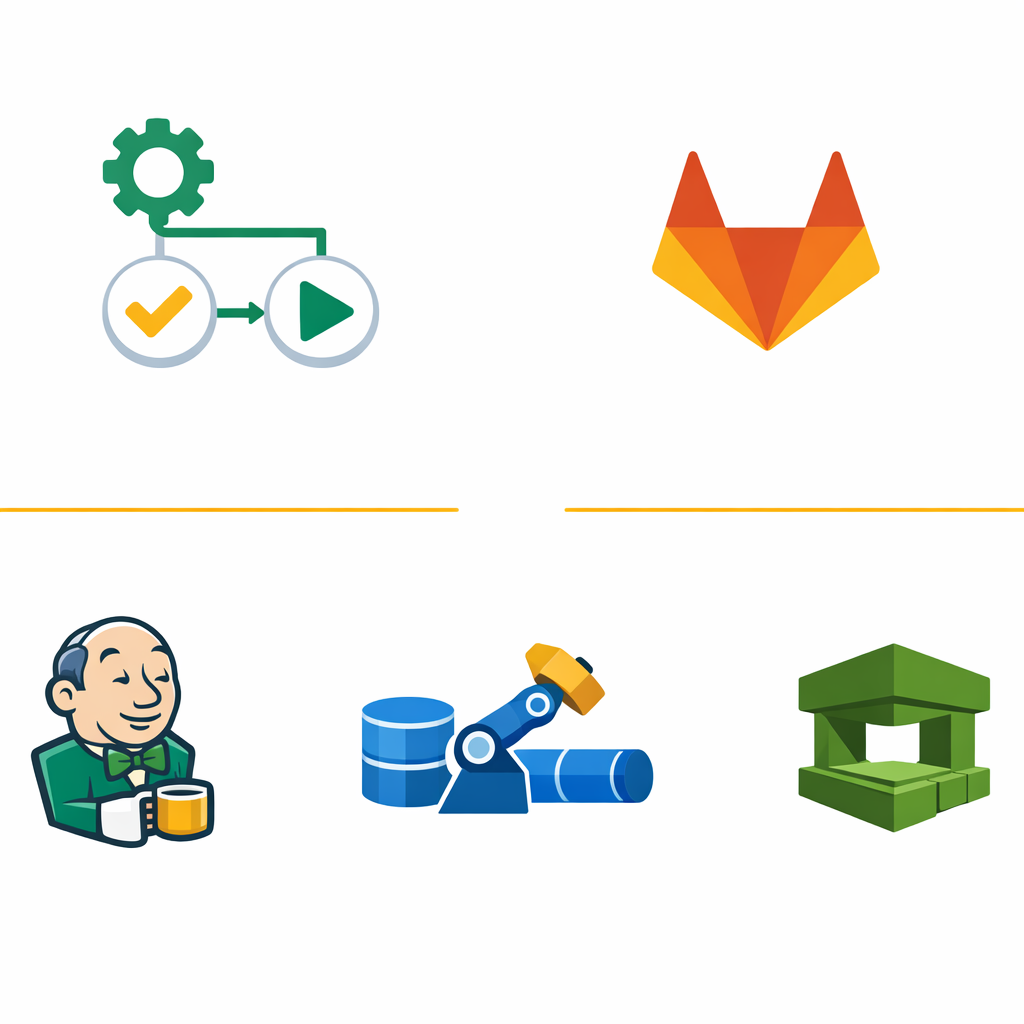
Choosing the right tool depends on your code platform. Also, here are the top options that dominate the market right now.
1
GitHub Actions
has become the default for most teams in 2026. If your code lives on GitHub, Actions integrates seamlessly with no external systems to manage. The YAML-based workflow syntax is clean, the marketplace has thousands of ready-made actions, and setup takes minutes.
2
GitLab CI/CD
is a strong choice if you use GitLab for source control. It offers slightly more built-in features for complex pipelines, including built-in container registry and safety scans.
3
Jenkins
is the veteran. It is incredibly flexible and supports almost any workflow through plugins. So, The trade-off is complexity — Jenkins requires more setup, maintenance, and systems management compared to cloud-native options.
4
Azure Pipelines
fits perfectly into Microsoft ecosystems. If you work with Azure cloud services, Azure DevOps gives you a tight link between your repos, boards, and pipelines.
5
AWS CodePipeline
works best for teams already on AWS. It connects natively to CodeBuild, CodeDeploy, ECR, ECS, and Lambda for a fully AWS-native CI/CD experience.
Key Concept: You do not need to master every CI/CD tool. Instead, pick one that matches your existing stack. If your code is on GitHub, start with GitHub Actions. For Azure users, choose Azure Pipelines instead. Get comfortable with one tool before exploring others.
6 CI/CD Pipeline Mistakes Every Beginner Makes
Building your first pipeline is exciting. However, these common mistakes can turn that excitement into frustration. Clearly, here is what to watch for.
First, Skipping Tests Entirely
Most importantly, a pipeline without auto tests is just an auto deploy script. So, you ship bugs faster, not better software.
Second, Hardcoding Secrets in YAML
In fact, never put API keys or passwords directly in your pipeline file. Instead, use your platform’s secrets manager — GitHub Secrets, Azure Key Vault, or AWS Secrets Manager.
Third, No Rollback Strategy
Plus, if your deploy breaks production, you need a way to revert. Therefore, always plan how to undo a bad release.
Fourth, Deploying Straight to Production
Likewise, skipping staging means your first tester is your end user. Therefore, always check in a staging before going live.
Fifth, Ignoring Pipeline Speed
Similarly, a pipeline that takes 45 minutes kills dev output. Instead, cache packages, parallelize tests, and keep pipelines under 10 minutes.
Sixth, Not Monitoring After Deploy
After all, deploy is not the finish line. Without alerts, you will not know if your release caused problems.
CI vs CD — What Is the Actual Difference?
Indeed, many beginners use CI and CD as the same thing. However, they solve different problems.
Continuous Integration (CI) focuses on the development side. Every time a dev pushes code, the system on its own builds and tests it. Still, Importantly, the goal is to catch integration issues early — before broken code reaches the main branch.
In contrast, CD (CD) picks up where CI ends. After code passes all tests, CD keeps it in a deploy-ready state. A human still clicks the “deploy” button for production releases.
Moreover, Continuous Deploy goes one step further. There is no manual sign-off gate. Simply, code that passes all auto checks goes to live. Next, This requires a very mature testing suite and strong monitoring.
Usually, most teams start with CI first. Then, they add CD. Finally, they move to full Continuous Deploy after building trust.
Important Warning: Do not jump straight to Continuous Deploy without solid test coverage. If your auto tests miss a critical bug, it will reach live right away with no human to catch it. Build confidence in your pipeline step by step.
How Do You Build Your First CI/CD Pipeline?
You do not need a complex setup to get started. Thus, here is a practical path for beginners.
1
Start with version control.
First, push your project to GitHub. Usually, if you do not use Git yet, learn commits and branches first.
2
Write at least one test.
Moreover, even a single unit test gives your pipeline something to check. Naturally, After all, a pipeline with zero tests adds no quality guarantee.
3
Create a workflow file.
For GitHub Actions, add a YAML file in the .github/workflows/ directory. Define your trigger (push to main), build steps, and test steps.
4
Add a staging deploy.
Then, deploy to a free-tier cloud service. Also, verify the deploy works before adding production targets.
5
Add notifications.
Configure Slack or email alerts for failures. Indeed, silent failures are the most dangerous kind.
6
Iterate and improve.
Finally, add more tests and cache packages. Also, add safety scans. Basically, your CI/CD pipeline is a living system.
CI/CD Pipeline Skills and Your DevOps Career
If you are preparing for a DevOps role, CI/CD pipeline knowledge is a must. In fact, almost every DevOps job in 2026 lists CI/CD as a core requirement.
Of course, understanding pipelines also connects to other key skills. Notably, these include Docker, Kubernetes, Terraform, and cloud platforms like AWS.
From my training experience, students who build real pipelines stand out in interviews. Also, reading about CI/CD is not enough. Instead, set up a GitHub repo and write a workflow. That hands-on skill is what hiring managers look for.
Frequently Asked Questions
What is a CI/CD pipeline in simple terms?
A CI/CD pipeline is a workflow. Namely, it builds, tests, and deploys code when developers push updates. As a result, it catches bugs early and ensures faster releases.
What is the difference between continuous integration and continuous deploy?
First, continuous integration builds and tests code when changes are committed. In contrast, continuous deploy releases tested code to live on its own. However, CD stops at staging and requires manual sign-off.
What tools are used for CI/CD pipelines?
Popular CI/CD tools include Jenkins, GitHub Actions, and GitLab CI/CD. Namely, Jenkins is known for power. Meanwhile, GitHub Actions is popular for its GitHub integration.
Why is CI/CD important for DevOps?
CI/CD is a core DevOps practice. It bridges development and operations by automating code delivery. So, it cuts down failures and shortens release cycles.
How do I set up a CI/CD pipeline as a beginner?
Start with GitHub Actions since it needs no separate server. Then, create a YAML workflow file that runs tests on every push. Gradually, add build and deploy stages as you gain trust.
Want to Learn More About DevOps?
Also, explore our DevOps articles covering CI/CD pipelines, AWS, Azure, and real-world deploy methods. Moreover, these are practical guides by Bhanu Prakash for IT professionals.