Email marketing for beginners feels overwhelming at first — but it’s actually the most beginner-friendly digital marketing channel you can start with today. With an average ROI of $36 for every $1 spent, email marketing for beginners consistently delivers better results than social media, paid ads, and SEO for direct revenue. In this guide, you’ll learn exactly how to build your first email list, write campaigns that get opened, and grow your audience from zero.
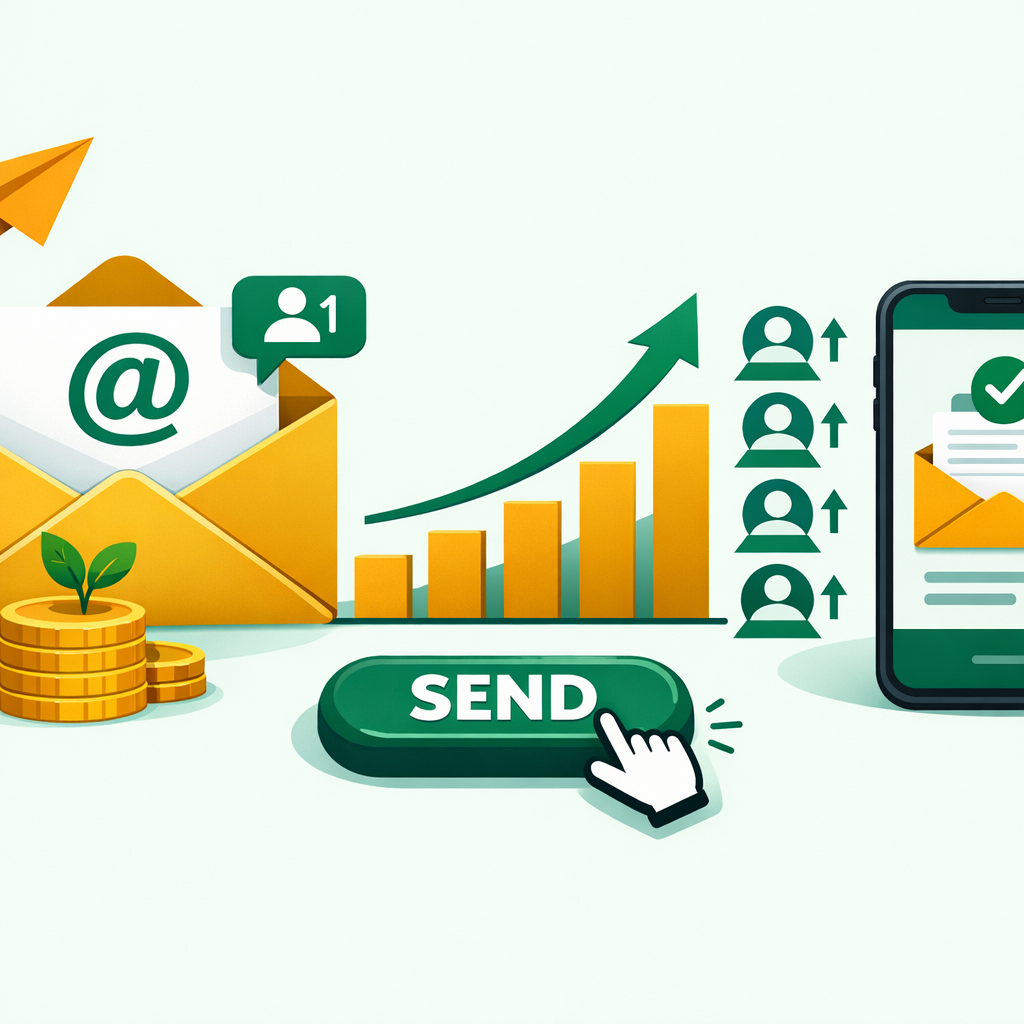
What Is Email Marketing for Beginners? Understanding the Basics
Email marketing is a digital marketing strategy where you send targeted messages directly to a subscriber’s inbox. Unlike social media, you own your email list. No algorithm controls who sees your content. That ownership is what makes it so powerful.
Think of it this way — when you post on Instagram, only 3–5% of your followers might see it. However, when you send an email, it lands directly in front of every subscriber. That’s why businesses of all sizes, from solo freelancers to Fortune 500 companies, use email as their primary revenue channel.
For IT students and digital marketers, email marketing is also one of the most in-demand skills employers look for. Understanding it early gives you a real edge in your career.
Types of Email Campaigns Every Beginner Should Know
Before you send your first email, you need to know what kind to send. There are several core campaign types, and each serves a different purpose in your marketing strategy.
Welcome Emails go out automatically when someone joins your list. They set expectations and introduce your brand. These consistently get the highest open rates — sometimes over 50%.
Newsletter Emails keep your audience updated with tips, articles, and news on a regular schedule. They build trust over time.
Promotional Emails announce offers, discounts, or new products. Use these sparingly — too many promotions train subscribers to ignore you.
Nurture Sequences are automated series of emails that guide a new subscriber from curious to convinced. For example, a 5-email sequence teaches a key skill while softly promoting your course.
Transactional Emails include order confirmations, password resets, and receipts. They have the highest open rates of any email type because people expect them.
How to Build Your Email Marketing List From Scratch
Your email list is your most valuable digital asset. However, many beginners make one critical mistake — they try to grow their list fast instead of growing it right.
A quality list of 500 engaged subscribers will outperform a random list of 5,000 cold contacts every single time. Here’s how to build yours the right way.
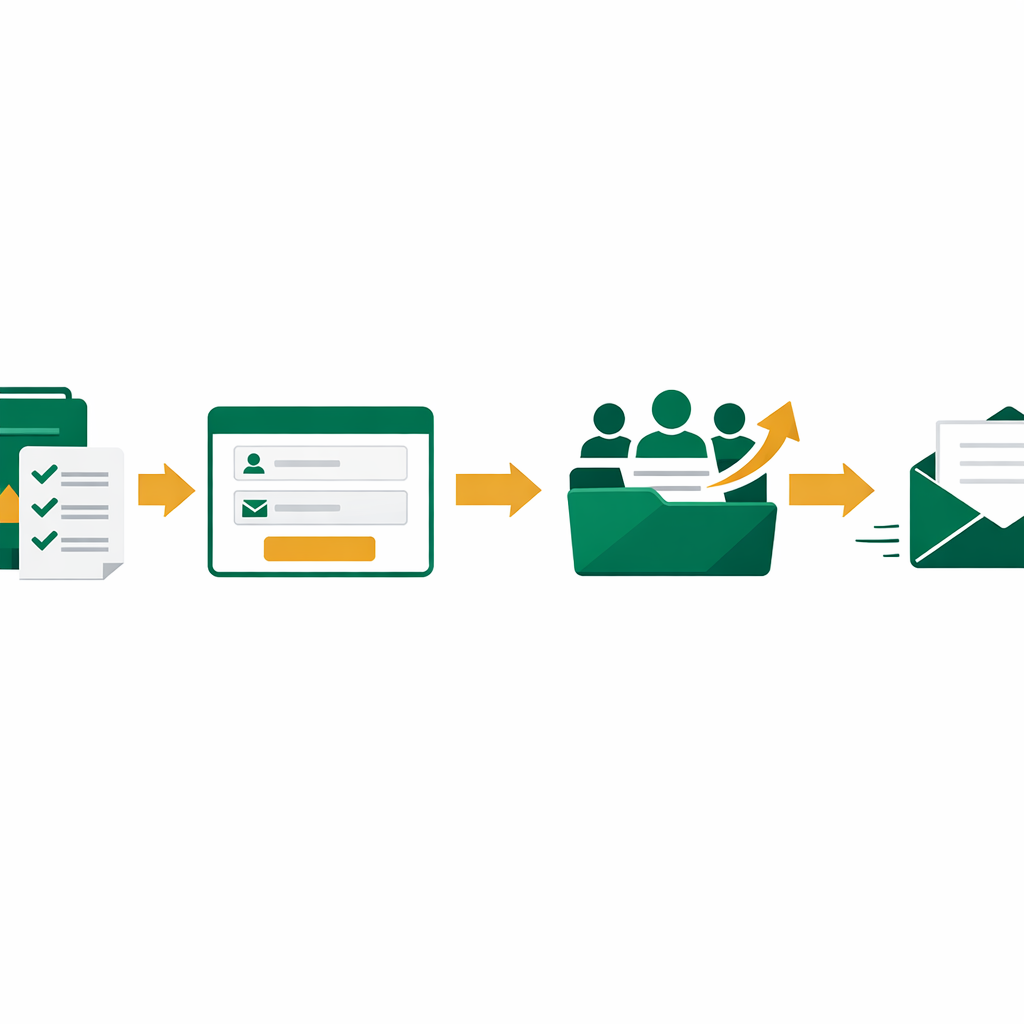
Step 1 — Create a Lead Magnet
A lead magnet is a free resource you offer in exchange for someone’s email address. It could be a checklist, a PDF guide, a mini-course, or a template. The key is that it solves one specific problem for your target audience. In practice, the more specific your lead magnet, the higher your conversion rate.
Step 2 — Set Up a Sign-Up Form
Place your opt-in form in high-traffic spots: your homepage, blog posts, and a dedicated landing page. Keep the form simple — ask for a name and email only. As a result, every extra field you remove increases your sign-up rate.
Step 3 — Drive Traffic to Your Form
Share your lead magnet on social media, in your YouTube videos, and at the end of your blog posts. Additionally, internal links from your existing content work extremely well for this. The more places you promote your lead magnet, the faster your list grows.
Step 4 — Never Buy an Email List
Purchased lists are full of cold, uninterested contacts. They destroy your sender reputation, hurt deliverability, and are illegal under GDPR and CAN-SPAM laws. Instead, grow every contact organically so your list stays healthy and engaged.
Choosing the Right Email Marketing Tool for Beginners
You need an email service provider (ESP) to manage your list, design emails, and send campaigns at scale. The good news is that several excellent tools offer free plans for beginners.
Here are the top three tools to consider when you’re starting out with email marketing for beginners:
Mailchimp — The most popular beginner tool. It offers a free plan for up to 500 contacts, drag-and-drop email builders, basic automation, and analytics. It’s a solid starting point.
Brevo (formerly Sendinblue) — A strong alternative with unlimited contacts on the free plan (with a daily sending limit). It’s particularly good for automation and transactional emails.
ConvertKit — Built specifically for creators, bloggers, and educators. It handles email sequences and tagging very well. The free plan supports up to 10,000 subscribers.
For most beginners, Mailchimp or Brevo is the right starting point. As your list grows and your strategy gets more advanced, you can migrate to a more powerful tool.
How to Write Email Marketing Campaigns That Get Opened
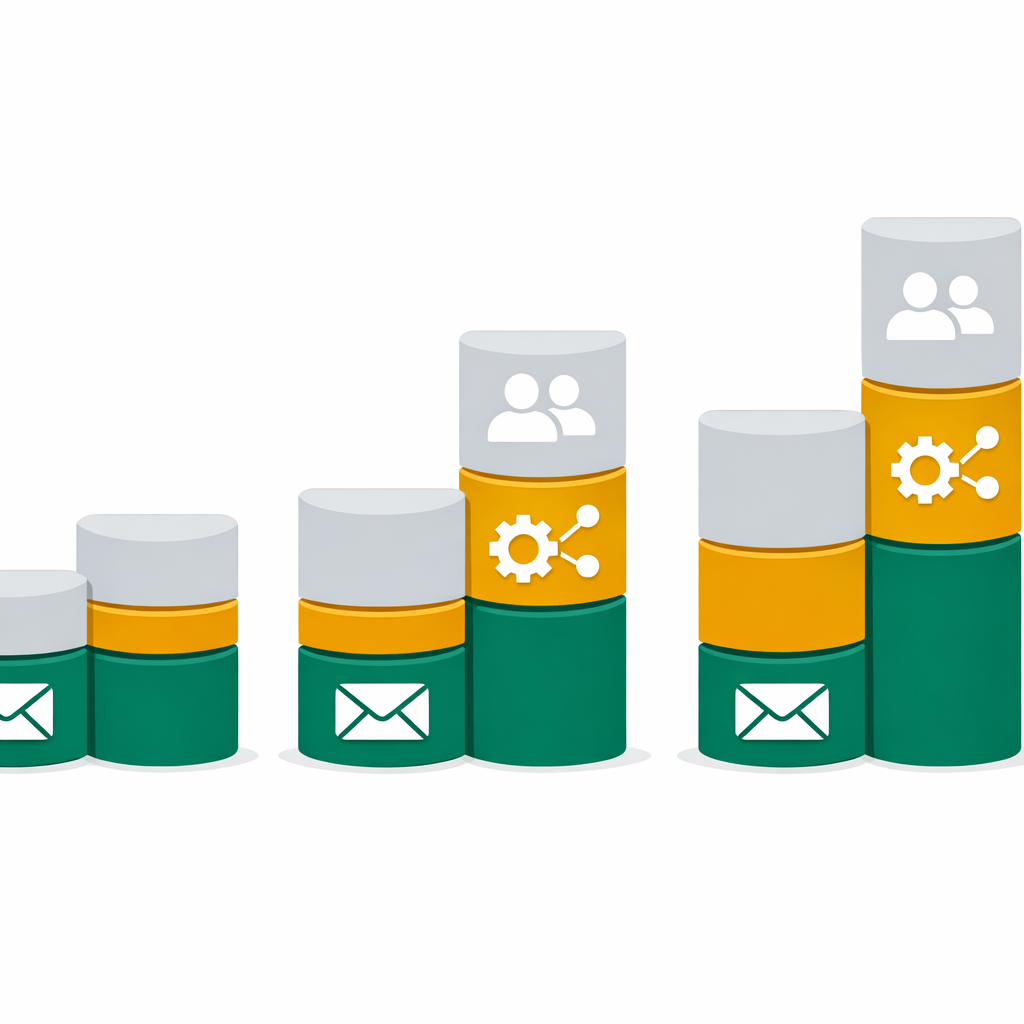
Writing emails that people open and act on is a skill. It comes down to four elements: the subject line, the preview text, the body copy, and the call to action.
Subject Lines — Your subject line is the most important part of your email. If it doesn’t create curiosity or promise value, your email never gets opened. Keep it under 50 characters, use numbers, and be specific. For example, “5 email mistakes killing your open rates” beats “Our latest newsletter” every time.
Preview Text — This is the short snippet that appears next to your subject line in the inbox. Most beginners ignore it. Instead, use it as a second subject line that builds curiosity or adds context.
Body Copy — Write like you’re talking to one person, not a crowd. Use “you” and “your” frequently. Keep paragraphs short — two to three sentences max. Subscribers decide in the first two seconds whether to keep reading, so get to the point fast.
Call to Action (CTA) — Every email needs one clear action you want the reader to take. One link. One button. One goal. Multiple CTAs split attention and reduce clicks.
Key Email Marketing Metrics Every Beginner Must Track
Data is what separates good email marketers from great ones. Therefore, once you send your first campaign, you need to understand what the numbers mean.
Open Rate — The percentage of subscribers who opened your email. A good open rate for most industries sits between 20–35%. If yours is lower, your subject lines need work.
Click-Through Rate (CTR) — The percentage of openers who clicked a link. Industry average is around 2–5%. Low CTR usually means your body copy or CTA isn’t compelling enough.
Bounce Rate — Bounces happen when your email can’t be delivered. Hard bounces (invalid addresses) should be removed immediately. Soft bounces are less urgent but still worth monitoring.
Unsubscribe Rate — Some unsubscribes are normal. However, if your rate spikes above 0.5% on a single campaign, something went wrong — the content was off, the frequency was too high, or the audience was mismatched.
Conversion Rate — This tracks how many recipients completed your goal — buying a course, signing up for a webinar, or downloading a resource. As a result, this is the metric that connects most directly to revenue.
Purchased lists kill deliverability, violate laws, and get your account banned. Always grow your list organically with permission-based sign-ups.
Over 60% of emails are opened on mobile. If your email isn’t mobile-friendly, most subscribers will delete it before reading a single line.
Constant sales emails train subscribers to ignore you. Follow the 80/20 rule — 80% value, 20% promotion — to keep engagement high.
A/B testing your subject lines is one of the easiest ways to increase open rates. Most email tools offer this feature — use it from your very first campaign.
Emails with multiple CTAs confuse readers. Pick one goal per email and build everything — your copy, your design, and your button — around that single action.
Without SPF, DKIM, and DMARC records set up on your domain, your emails are far more likely to land in spam. Set these up before your first send.
Email Marketing Automation: Work Smarter, Not Harder
Email automation lets you send the right message to the right person at the right time — without doing it manually every time. It’s one of the most powerful tools in digital marketing for beginners, and many people overlook it completely.
Here’s why it matters: imagine someone signs up for your free checklist at 2 AM. Without automation, they wait until you manually follow up. With automation, they instantly receive your welcome email, then a value-packed follow-up two days later, then a soft offer on day five. You’re building a relationship while you sleep.
Most beginner email tools support basic automation out of the box. Start with these three automated sequences:
Welcome Sequence — Triggered when someone joins your list. Three to five emails introduce you, deliver value, and guide the subscriber toward your core offer.
Re-engagement Sequence — Triggered when a subscriber hasn’t opened any email in 90 days. Send two or three emails asking if they still want to hear from you. Those who don’t engage get removed — this keeps your list healthy and your deliverability high.
Post-Purchase Sequence — Triggered after someone buys. Thank them, help them get started, and cross-sell related products or courses at the right moment.
Email Marketing Tips for Beginners in 2026: What’s Changed
Email marketing for beginners in 2026 looks different from even two years ago. Several key shifts directly affect how you should approach your first campaigns.
First, inbox providers like Google and Apple now act as intelligent gatekeepers. They analyze engagement signals — opens, replies, clicks — and decide which emails reach the primary inbox. That means content quality matters more than send volume.
Second, AI-powered personalization has become accessible to solo marketers. Tools like Mailchimp and Brevo now offer AI subject line generators, send-time optimization, and predictive segmentation. Use these features — they directly improve your open rates without extra effort.
Third, privacy-first email design is rising fast. Lightweight, mobile-first emails with minimal images load faster, render better, and land in the inbox more reliably. Heavy HTML emails with oversized images increasingly get flagged or clipped by providers.
Additionally, email authentication is no longer optional. Google and Yahoo now require SPF, DKIM, and DMARC records for bulk senders. Set these up on your domain before you hit 1,000 subscribers — otherwise your campaigns may never reach the inbox at all.
Want to Master Digital Marketing From the Ground Up?
At ElevateWithB, our Digital Marketing curriculum covers email marketing, SEO, social media strategy, and content marketing — all taught with a practical, career-first approach designed for IT students and professionals.
Official Resources
- Mailchimp Email Marketing Benchmarks 2026
- Email Marketing Best Practices — Moosend
- Email Marketing Strategies for 2026 — SMTP2GO