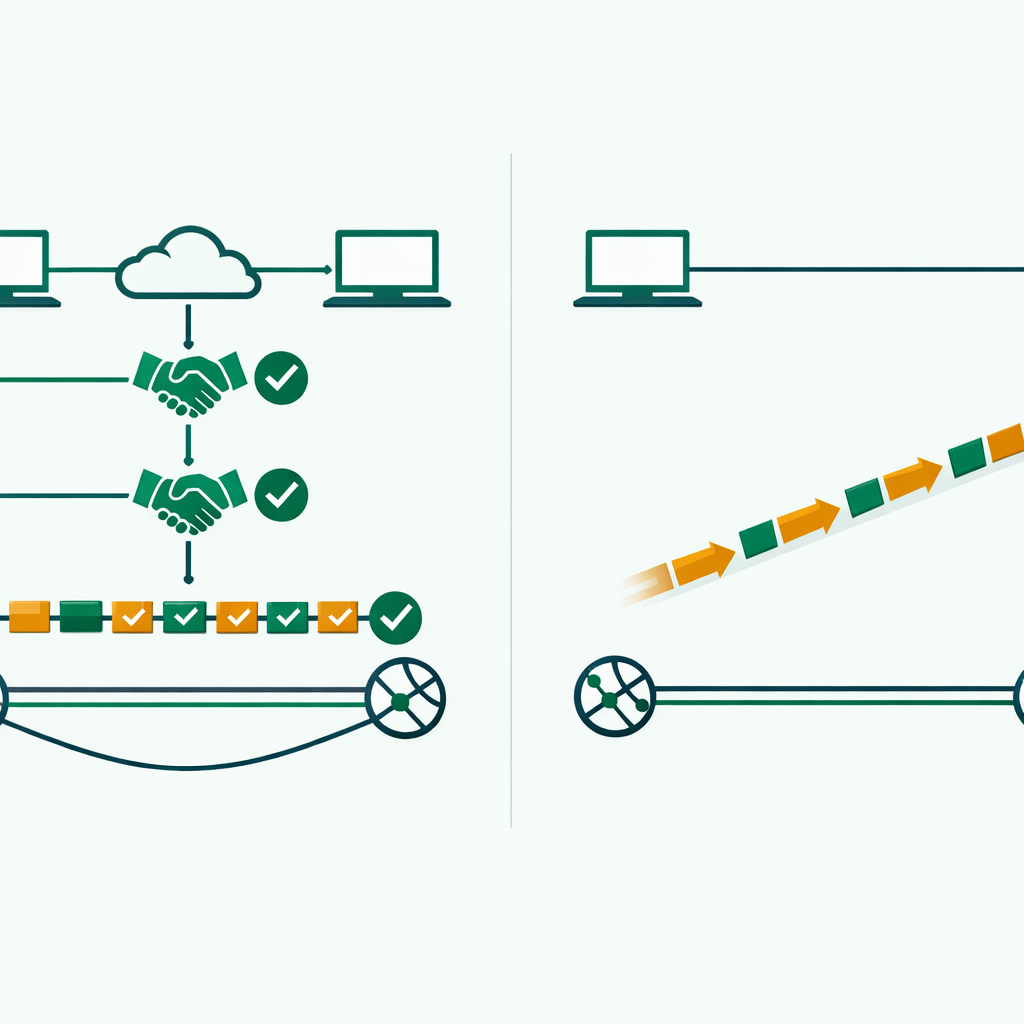
When you compare TCP vs UDP, here is what matters most: TCP (Transmission Control Protocol) is a connection-oriented protocol that guarantees reliable, ordered data delivery with error checking, while UDP (User Datagram Protocol) is connectionless and prioritizes speed over reliability. That makes TCP the go-to choice for web browsing and file transfers, and UDP the better fit for live streaming and online gaming.
Key Takeaways
- TCP uses a three-way handshake and guarantees every packet arrives in order, so it is built for accuracy-critical tasks like web browsing, email, and file transfers.
- UDP skips the handshake entirely and sends data right away, making it the faster choice for live video, online gaming, and DNS lookups.
- According to Cloudflare's 2024 Internet Report, UDP now accounts for over 50% of all internet traffic — driven mostly by video streaming and gaming.
- Neither protocol is "better." Your choice depends on whether the application needs guaranteed delivery or low-latency speed.
- CCNA and CompTIA Network+ exams test TCP vs UDP differences in nearly every exam cycle, so this is must-know material for certification candidates.
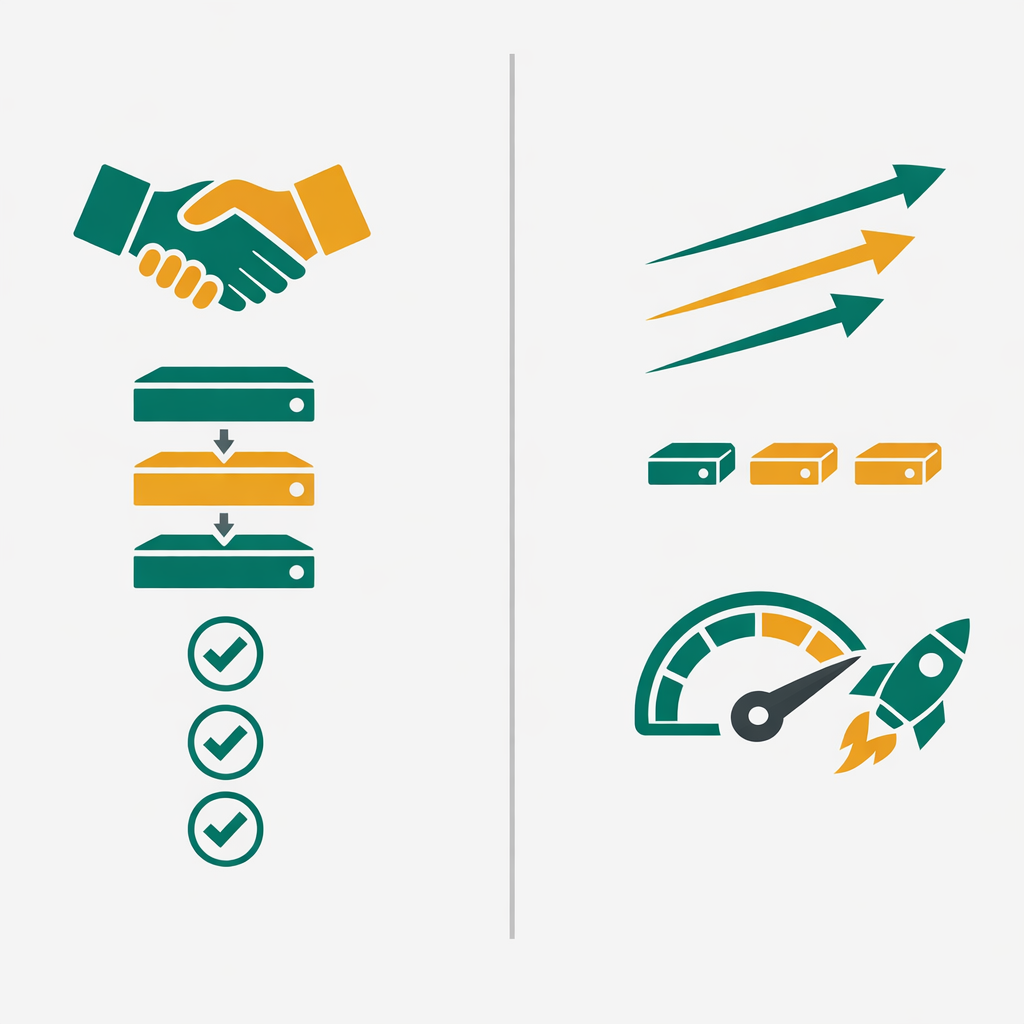
What Are TCP vs UDP? A Quick Overview
TCP stands for Transmission Control Protocol. UDP stands for User Datagram Protocol. Both operate at Layer 4 (the Transport Layer) of the OSI model, and their job is the same — move data between two devices. But they take completely different approaches to get that job done. That is why the TCP vs UDP comparison matters so much for anyone learning networking.
Think of it this way. TCP works like a registered postal service — it confirms every package arrived, checks for damage, and resends anything that got lost. In contrast, UDP works like dropping a flyer into someone's mailbox. You send it and move on, with no confirmation and no tracking.
TCP guarantees data delivery through acknowledgments and retransmission, while UDP prioritizes speed by sending data without waiting for confirmation.
Neither protocol is "better." Your choice depends on what the application needs. As a result, every networking professional must understand when to use each one. This is where most beginners get confused, so let us break each protocol down.
How TCP Works — The Reliable Protocol
TCP creates a connection before sending any data. This process uses a method called the three-way handshake. Here is how it works in plain English:
First, your device sends a SYN (synchronize) message to the server. Then, the server replies with a SYN-ACK (synchronize-acknowledge). Finally, your device sends an ACK (acknowledge) back. Only after this exchange does data start flowing. Because of this handshake, TCP is called a connection-oriented protocol. According to IETF standards, this three-way handshake adds 1 to 2 round trips of latency compared to UDP's connectionless design (IETF RFC 793).
TCP Three-Way Handshake
Client Server: SYN (Hey, can we talk?)
Server Client: SYN-ACK (Sure, I am ready!)
Client Server: ACK (Great, let us go!)
[Connection established — data transfer begins]
After the connection opens, TCP numbers every segment of data it sends. The receiving device confirms each segment arrived. If a segment goes missing, TCP resends it on its own. That means you get complete, ordered, error-checked data every time.
TCP-based services like HTTPS handle 99.97% of e-commerce transactions globally, according to AWS documentation (AWS ELB Documentation). That is a clear sign of how much the internet depends on reliable delivery.
On the other hand, all this checking takes time. TCP adds overhead — extra processing work — to every transfer. For applications that need guaranteed delivery, like loading a webpage, sending an email, or transferring a file, this overhead is worth it. Keep in mind that protocols like HTTP, HTTPS, FTP, and SMTP all run on top of TCP. This is one side of the TCP vs UDP trade-off that every IT student must understand. If you want to see TCP in action, try capturing packets with Wireshark on your own network.
How UDP Works — Speed Over Safety
UDP skips the handshake entirely. It sends data immediately without waiting for a connection or confirmation. This is why UDP is called a connectionless protocol. There is no SYN, no ACK, no sequence numbers.
UDP wraps your data in a small header and fires it off. If a packet gets lost along the way, UDP does not resend it. Similarly, if packets arrive out of order, UDP does not rearrange them. Rather than fixing these issues, the application on the receiving end handles those problems — or ignores them.
According to Cloudflare's 2024 Internet Report, UDP now accounts for over 50% of all internet traffic, driven largely by video streaming and gaming (Cloudflare Radar).
Here is why that approach works. During a live video stream, a single lost frame does not matter. Your brain fills in the gap. But if UDP paused to resend that frame, the entire stream would stutter. In other words, speed matters more than perfection in these situations. Online games, voice calls, DNS lookups, and live broadcasts all rely on UDP for low-latency performance. Akamai's State of the Internet report found that DNS — a UDP-based service — handles over 2 trillion queries daily worldwide (Akamai SOTI Report).
UDP does not mean "unreliable" — it means the protocol itself does not handle reliability. Many UDP-based applications build their own error-handling on top when needed.
What Are the Key Differences Between TCP vs UDP?
Now that you understand how each protocol works, here is a side-by-side comparison. This table covers every major difference between TCP and UDP that networking exams and real-world interviews test.
| Feature | TCP | UDP |
|---|---|---|
| Connection | Connection-oriented, so it uses a 3-way handshake | Connectionless, so there is no handshake needed |
| Reliability | Guaranteed delivery because it uses acknowledgments | No delivery guarantee, so packets may be lost |
| Ordering | Data arrives in the correct order because segments are numbered | No ordering, so packets may arrive shuffled |
| Speed | Slower because of the overhead from error checking | Faster because it has minimal overhead |
| Error Checking | Full error checking and retransmission, so nothing is lost | Basic checksum only, so there is no retransmission |
| Header Size | 20 to 60 bytes, so headers carry more control data | 8 bytes, so headers are lightweight and fast |
| Flow Control | Yes — it adjusts speed to prevent congestion | No flow control, so the sender fires at will |
| Common Uses | Web browsing (HTTP/S), email (SMTP), and file transfer (FTP) | Video streaming, VoIP, online gaming, and DNS |
A TCP header carries 20 to 60 bytes of control information, while a UDP header uses just 8 bytes — and that size gap directly affects network performance.
To give you an idea of the size difference: that smaller UDP header is one reason it delivers data faster. Because of this, the TCP vs UDP header size gap is something network engineers think about when designing high-throughput systems.
When Should You Use TCP vs UDP in Real Projects?
Knowing the theory helps. But understanding when to pick TCP vs UDP in real scenarios is what separates beginners from job-ready professionals. Here is a practical breakdown.
Choose TCP When:
Your application needs every byte to arrive perfectly. Web servers, email systems, database connections, API calls, and file transfers all depend on TCP. Any system where missing data causes errors or corruption should use TCP. For example, imagine downloading a software installer where 1% of the data gets lost. As a result, the file would be corrupted and useless.
Choose UDP When:
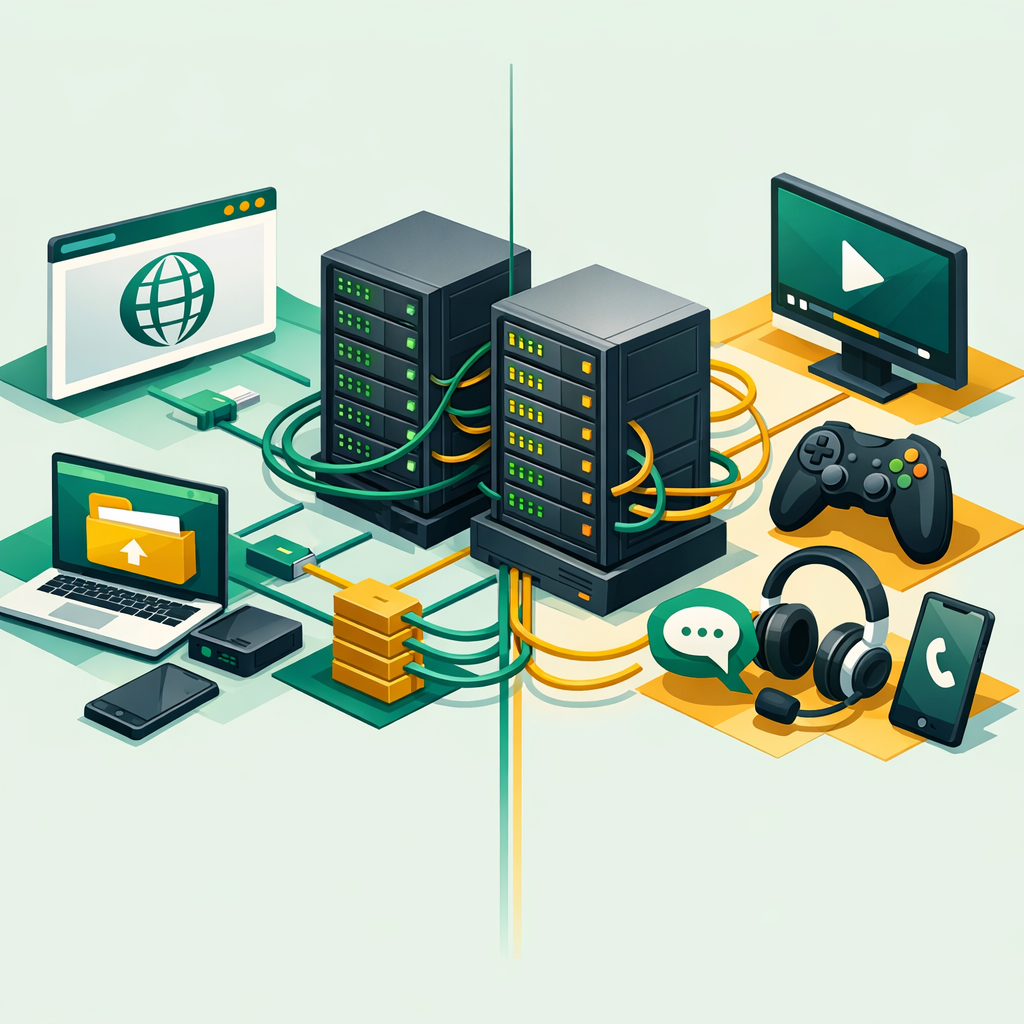
Speed and low latency matter more than perfect delivery. Live video conferencing, music streaming, multiplayer gaming, IoT sensor data, and DNS queries all use UDP. In these cases, resending old data would slow everything down. Instead of waiting for a lost packet, the application simply moves forward with fresh data. Cisco's Annual Internet Report projects that by 2025, video streaming — primarily carried over UDP — will account for 82% of all internet traffic (Cisco Annual Internet Report). At the same time, Google's QUIC protocol, which is UDP-based, now carries over 35% of Chrome traffic according to Google's 2024 transparency report (Google Transparency Report).
Exam Alert: CCNA and CompTIA Network+ exams frequently ask you to match protocols to TCP or UDP. Memorize these — DNS uses UDP port 53 (and TCP for zone transfers), HTTP uses TCP port 80, HTTPS uses TCP port 443, and DHCP uses UDP ports 67/68. If you are studying for these exams, tools like Nmap can help you practice identifying open ports and their associated protocols on live networks.
What Are the Common TCP vs UDP Mistakes Beginners Make?
From working with networking students, these are the errors that come up again and again when studying TCP vs UDP. Avoid them and you will already be ahead of most beginners.
Thinking UDP is "bad"
UDP is not inferior to TCP. It is built for speed-sensitive applications. Calling it unreliable misses the point entirely.
Forgetting DNS uses both
DNS typically uses UDP for fast lookups. But zone transfers between DNS servers use TCP. Exams test this exact distinction, so do not overlook it.
Ignoring port numbers
TCP and UDP both use port numbers. Different services can even share the same port number on different protocols — for example, port 53 handles DNS on both TCP and UDP.
Mixing up OSI layers
Both TCP and UDP operate at Layer 4 (Transport). Many beginners wrongly place them at Layer 3 (Network) or Layer 7 (Application).
Skipping the three-way handshake
If you cannot explain SYN, SYN-ACK, ACK from memory, you are not exam-ready. Practice drawing it out by hand.
How Does TCP vs UDP Appear on Networking Exams?
Whether you are preparing for CCNA, CompTIA Network+, or any entry-level networking certification, TCP vs UDP questions appear in almost every exam. Here is what to expect.
Most questions fall into three categories. First, scenario-based questions ask you to pick the right protocol for a given use case — for example, "Which protocol should a VoIP application use?" The answer is UDP. Second, port-matching questions test whether you know which well-known services use TCP, UDP, or both. Third, troubleshooting questions describe network issues and ask you to identify whether TCP retransmission or UDP packet loss is the root cause.
To prepare well, build a flashcard set with protocol-to-port mappings and review them daily for two weeks. Beyond that, use a tool like Wireshark to capture real TCP and UDP packets on your own network. Seeing the three-way handshake in a live packet capture makes the concept stick permanently. You can also use Nmap to scan for open TCP and UDP ports on test systems — it is great hands-on practice for exam prep.
TCP vs UDP — What Comes After the Basics?
Once you understand the core TCP vs UDP differences, you will start seeing these protocols everywhere. For example, QUIC (used by Google Chrome and HTTP/3) builds reliability features on top of UDP to get both speed and delivery guarantees. Google's QUIC protocol now carries over 35% of Chrome traffic (Google Transparency Report), and this is where modern networking is heading.
Modern protocols like QUIC prove that the TCP vs UDP debate is not about picking a winner — it is about building smarter solutions on top of each protocol's strengths.
At the same time, concepts like subnetting and zero trust security all connect back to how data moves through networks. The Transport Layer does not work alone — it depends on IP addressing at Layer 3 and application protocols at Layer 7. That means mastering TCP vs UDP gives you a foundation for every other networking topic you will study.
If you are working toward your CCNA certification, expect to use this TCP vs UDP knowledge in subnetting, ACL setup, and network troubleshooting labs. Cloud platforms like Azure use NSG rules that filter traffic by TCP or UDP port numbers. What this means is your understanding of these protocols carries directly into cloud and DevOps roles too. If you are considering that path, our guide on how to start a cybersecurity career covers the certifications and skills employers look for.
Frequently Asked Questions
What is the main difference between TCP vs UDP?
TCP is a connection-oriented protocol that guarantees reliable, ordered data delivery with error checking. UDP is connectionless and faster but does not guarantee delivery, making it ideal for real-time applications like streaming and gaming.
When should I use TCP over UDP?
Use TCP when data accuracy is critical, such as web browsing, email, and file transfers. TCP ensures every packet arrives correctly and in order, which is essential for these applications.
Why is UDP faster than TCP?
UDP is faster because it skips the three-way handshake, error checking, and retransmission mechanisms that TCP uses. This lower overhead makes UDP ideal for time-sensitive applications where occasional packet loss is acceptable.
Is TCP vs UDP important for the CCNA exam?
Yes, understanding TCP and UDP is fundamental for the CCNA exam. You need to know their differences, port numbers, the TCP three-way handshake, and which common applications use each protocol.
Does DNS use TCP vs UDP?
DNS primarily uses UDP on port 53 for standard queries because of its speed advantage. But DNS switches to TCP for zone transfers and responses larger than 512 bytes that require reliable delivery.
Want to Learn More About Networking?
Explore our networking articles where Bhanu Prakash breaks down technical topics — from OSI layers to CCNA-level configurations — into clear, practical lessons. These are guides built for real skills that employers look for.
Explore Our Networking Articles
Official Resources
- Cloudflare — What Is the OSI Model?
- Cisco — CCNA Certification Overview
- Wireshark — Free Network Packet Analyzer
Also Read on ElevateWithB
- What Is Subnetting? A Simple Guide for Networking Beginners
- What Is Zero Trust Security? A Beginner's Guide for 2026
- Azure Network Security Groups (NSGs): 8 Best Practices for AZ-104 Success
- CI/CD Pipeline Explained: How It Works and Why Every DevOps Beginner Needs It
- Wireshark for Beginners: Your First Packet Capture Guide
- Nmap for Beginners: Network Scanning Made Simple
- How to Start a Cybersecurity Career: Complete Beginner's Guide